
How your selected builder adjusts their quote after design

If you’ve chosen your builder before completing design, they’ll review your final plans and materials to make sure their quote still reflects the scope of your project.
It’s a normal part of the Beams journey that keeps your quote accurate and your contract fair.
Keeping your quote accurate
Every renovation flows differently. Some customers finish design first, then get quotes. Others meet builders early to confirm feasibility and budget, and complete design afterwards.
If you’re in the second group, Beams automatically prompts your selected builder to check their quote once your design and materials are approved.
This keeps pricing aligned with your final plans before you sign your Home Improvement Contract (HIC) and pay your remaining construction balance.
How it works
1. Design approval triggers a builder review
When you approve your final materials list, Beams updates your project details. Your builder gets a notification to review their quote so it reflects your confirmed design.
2. Builder adjusts relevant line items
If a design choice changes cost or labour, the builder updates that specific line. For example, a standard toilet install shifting from £200 to £500 if you’ve chosen a Japanese model.
The structure of the quote stays the same. This step simply fine-tunes pricing where design affects the work.
3. Your updated total appears in your dashboard
Once the review is complete, your dashboard refreshes with the revised total. If no changes were required, your quote stays as it is.
4. Review and sign your contract
You’ll get a notification to review the final total and sign your HIC. Signing the contract locks in scope, pricing, responsibilities, and milestone dates.
5. Builder countersigns
After you sign, your builder countersigns to confirm everything matches their final quote and the agreed scope of works.
6. Pay your remaining construction balance
Once both sides have signed the HIC, you’ll be prompted to pay the remaining construction balance. This amount equals the final approved total minus the £1,000 deposit you paid when selecting your builder.
What to expect
Many projects don’t require any price changes at all. When adjustments happen, they’re usually small and fully transparent — you’ll see exactly what changed and why.
This process keeps both you and your builder aligned on scope, design, and cost before breaking ground — no surprises, no confusion.
Ready to start your project?

Learn how to approve milestones and release builder payments through Beams. See how each stage is checked, approved and paid safely so your renovation stays transparent, timely and firmly in your control.

Learn how to get builder quotes with Beams. Meet vetted local builders, walk your space together, compare clear, like-for-like quotes, and choose the right fit for your project — all from your dashboard.
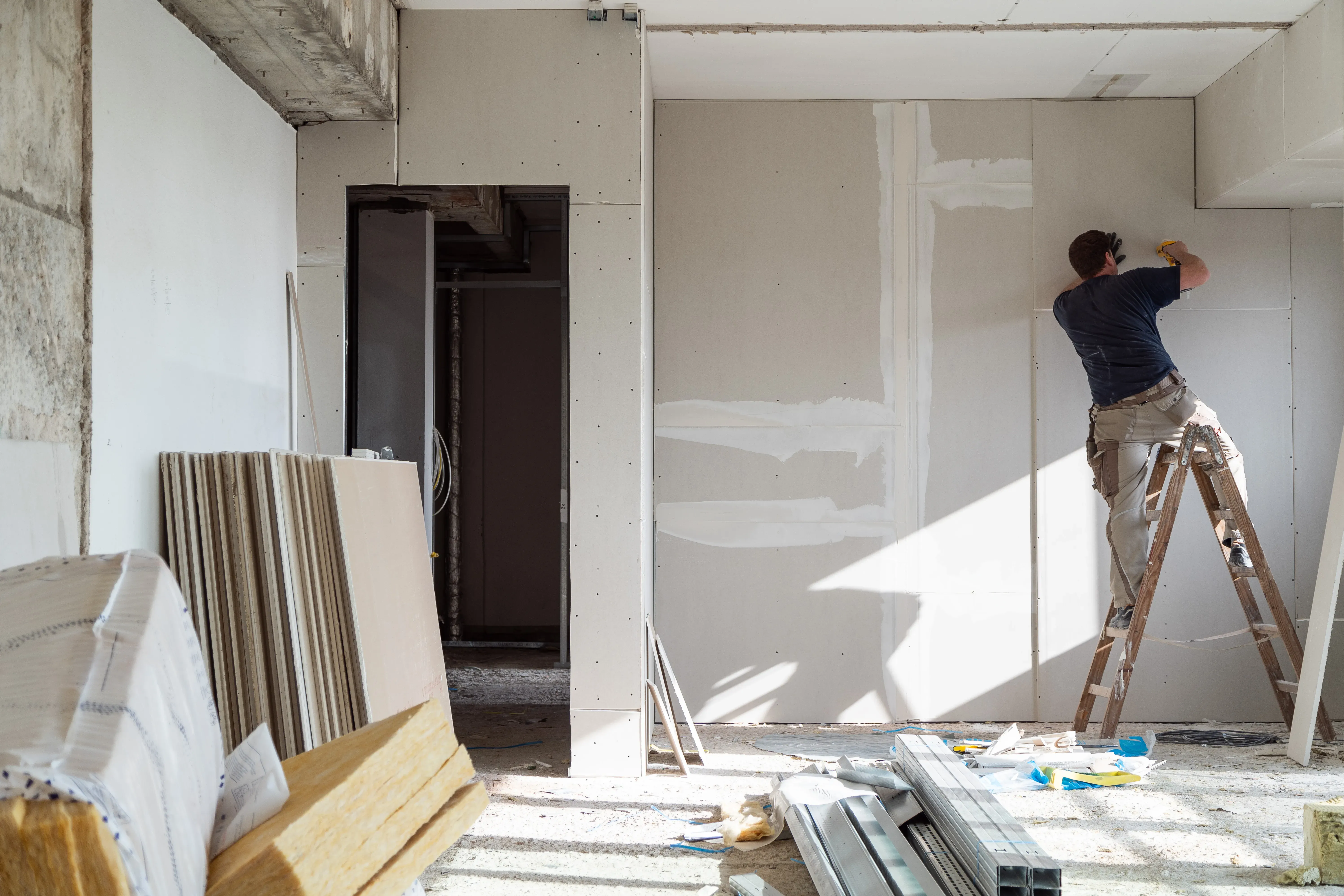
Learn how to prepare for break ground with simple steps that keep your renovation running smoothly. Cover access, neighbours, communication and milestones so your builder can start without delays.

Learn how to build a collaborative relationship with your builder. Set clear expectations, communicate simply, and keep your project running smoothly.

Get ready for productive builder meetings. Learn how to prepare your space, share ideas, ask smart questions and compare builders with confidence.

Prepare for your Beams design call with simple steps that help you get the most from your session. Learn what to gather, what you’ll discuss, and how your designer shapes ideas into a clear plan ready for builder quotes.

Get ready for your Beams planning call with a few simple steps. Learn what to upload, what you’ll discuss, and how your planner turns your ideas, budget and timeline into a project that’s ready for vetted builder quotes.